Join early access

Find the answer in the manual without reading the whole manual.

Import the manuals you already carry around. Then ask in plain English, the way you’d ask the guy who has been doing this twenty years. Faultbench runs right on your laptop, tells you what to check first, and shows you the page it got that from so you can see for yourself before you touch anything. No signal required.

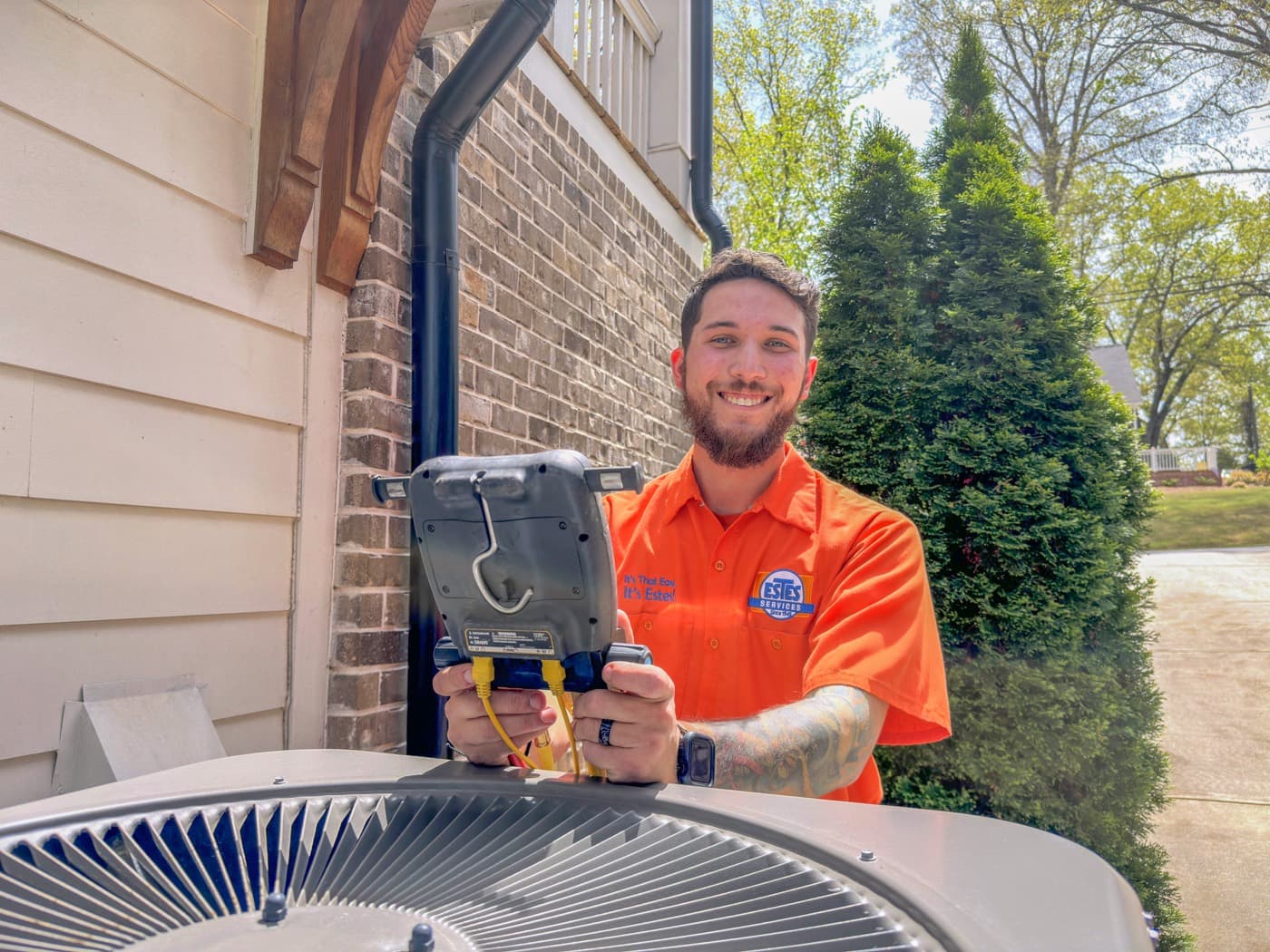
An HVAC technician servicing equipment in the field

Go on, click something. This one’s live. Pick an issue, hit Check, then click a [1] and the real manual opens on the page that answer came from.

Interactive demo · Sample data
AI running qwen3:4b

Diagnose — Air conditioner, split R-410A

  1. Describe the fault
  2. Classifying symptom
  3. Searching manuals
  4. Explaining from sources

Describe the fault

What’s going on with the system?

Describe the issue in your own words. The more detail you provide, the better.

Common issues (click to use)

Three steps. That’s the whole thing.

01

Import

Add the manuals you already use. Service manuals, IOMs, wiring docs, whatever you have saved. Faultbench indexes them on your machine and that’s the last time you have to think about it.

02

Ask

Tell it what the unit is doing. Same words you’d say out loud standing at the thing. Nothing to learn, nothing to scroll.

03

Verify

You get the manual name and the page. Click it and the page opens with the passage lit up. Check it yourself, then go fix the unit.

The answer’s already in the manual. Finding it is the problem.

150 pages

And you need one fault code table out of it.

Five PDFs, one rooftop unit

Which one has the procedure in it? Good luck.

No service in the mechanical room

So pulling it off the manufacturer’s site isn’t happening.

Faultbench keeps the documents and the search on the laptop that’s already in your van.

Don’t trust the AI. Check the manual.

I mean that. It answers from the manuals you gave it, and every answer stays tied to where it came from, so you can go and look. You’re the one who decides what to do about it.

Faultbench

With the thermostat calling for cooling, check for 24 VAC across the contactor coil. If it is present and the contactor does not pull in, replace the contactor.

SourceDaikin RS6200301 Service ManualContactor and Control Circuit · page 47View original page →

The demo up there does this for real. Click a citation, the actual PDF opens on the cited page, passage highlighted.

Built for the places Wi-Fi doesn’t reach

Basements. Rooftops. Mechanical rooms. That crawlspace you’d rather not talk about. Manuals, search, model, all of it sits on the device.

  • Local manualsNothing to wait on a cloud lookup for.
  • Local modelAnswers come off the machine in front of you.
  • No connection requiredSignal drops, you keep working.
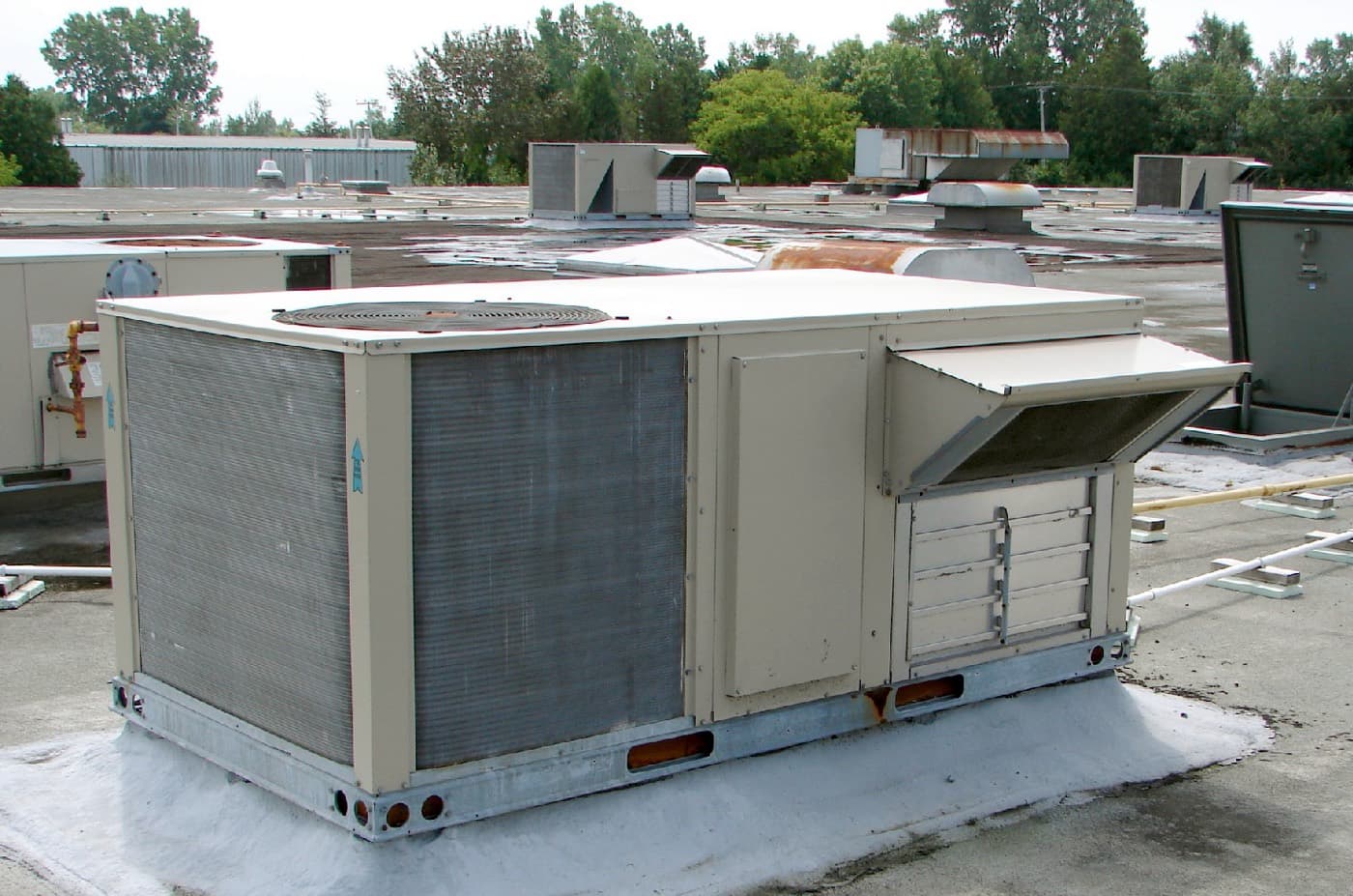
Packaged rooftop air conditioning units on a commercial roof

The kind of thing you’ll ask it

It’s built around faults. What the unit is doing, and what the manual says to check.

  • “Compressor won’t start, fan runs, breaker is on.”
  • “What does fault code E7 mean on this unit?”
  • “Unit short cycles after about twenty minutes.”
  • “Ice on the evaporator coil, airflow feels weak.”
  • “What should I check before replacing the control board?”
  • “High head pressure on a hot day, condenser looks clean.”
A rooftop ventilator unit installed on a building

Your own technical library

Import a manual once. It stays indexed on that machine. No account, no re-upload, no expiry date on something you already own.

  • Any PDF you haveService manuals, IOMs, wiring diagrams, bulletins.
  • Recognised by contentImport the same doc twice and it knows. No duplicates piling up.
  • Searched togetherOne question goes across everything you have imported.

Grouping by manufacturer and model, and searching inside one piece of kit, isn’t built yet. It’s next.

Your manuals don’t need to leave the laptop

On-device answers

The model runs local. Your questions are not going off to somebody’s cloud to get answered.

Local index

Your manuals sit on your disk, in a plain database file you own.

Offline by default

Internet’s a convenience. It shouldn’t be the thing that unlocks the product.

Matters more than people think, especially if your shop’s documentation is not something you want sitting on someone else’s server.

Help me build this for actual technicians

Faultbench is in alpha. I want techs who will run it against real manuals and tell me where it falls over. Windows and macOS, free, no card.

Get the alpha when it ships

Windows and macOS. No card, no account.

One email, when it’s ready. That’s it.

Straight about where it is. Importing manuals, asking in plain English, getting an answer with the page attached: all working offline today. One click citations, a library you can organise, a bundled runtime so you never install anything else, signed installers. Those are still coming. That’s why there’s a list here and not a download button.